
Thematic Raster Requirements#
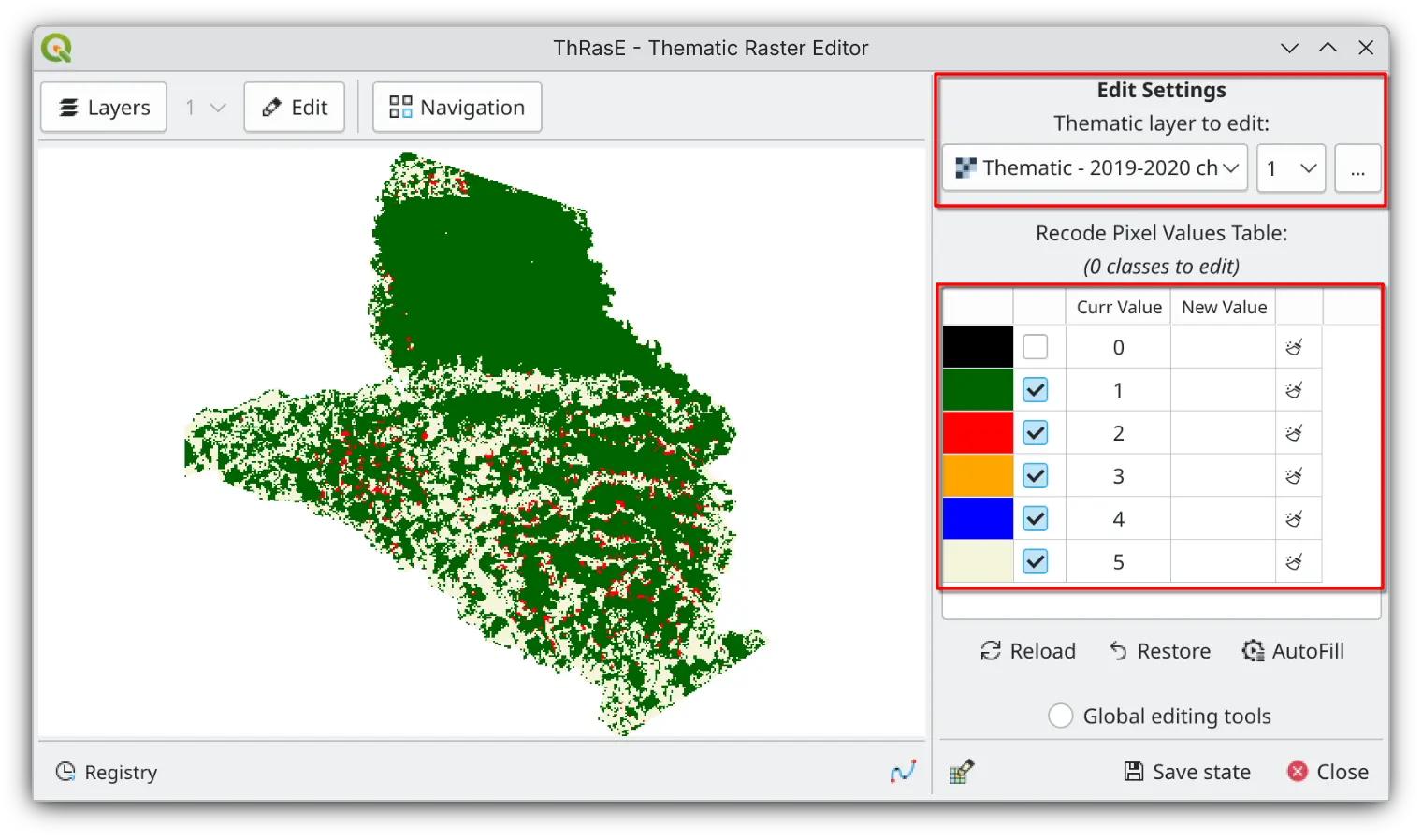
The thematic raster file to be edited must satisfy the following criteria:
Categorical thematic layer with byte or integer data type. ThRasE only works with integer values, not continuous data.
Pixel-value/color association if not present, ThRasE will prompt you to apply a temporary random association
Supported symbology:#
1. Thematic with Paletted or Singleband Pseudocolor#
Use any raster (byte or integer data type) with a specific style loaded from a QGIS project or QML file, or applied on the fly in QGIS.
Paletted/Unique values (recommended)
Singleband pseudocolor (using
Exact Interpolation,Equal Intervalmode, number of classes must match layer classes)Tip
After configuring the style in QGIS, save it as a
.qmlstyle file by going toStyle→Save as Default. Otherwise, you’ll lose the pixel-value/color association if you restart QGIS.Alternative: Save all layer styles in a QGIS project.
2. Thematic with Embedded Color Table#
Use any raster (byte or integer data type) that has pixel-value/color associations stored in its metadata color table. View this using gdalinfo or in the Symbology tab in layer Properties (shown as Paletted).